Yes, on any connection. Spun connects to your existing WhatsApp account through an unofficial integration. If you connect your account, WhatsApp may temporarily restrict or permanently ban it, even if you follow Spun's setup instructions.
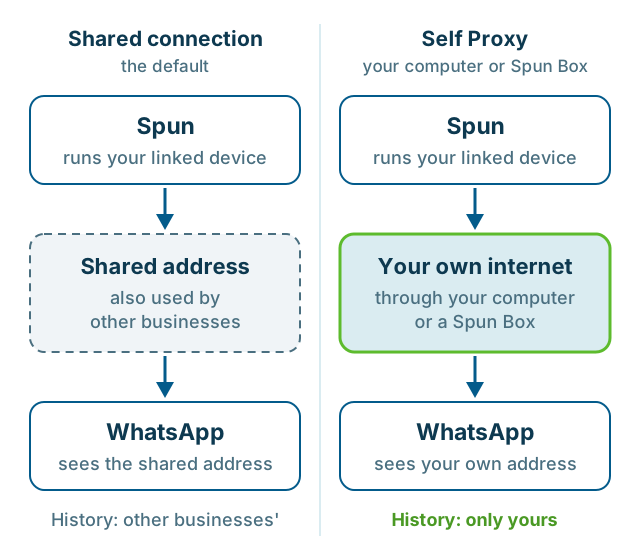
The risk is not the same on every connection. On the default shared connection, your number uses an internet address other businesses also use, with a history nobody can see. With Self Proxy or a Spun Box, it connects through your own internet. We believe that lowers the risk, and our results so far reflect that. We do not know for certain whether WhatsApp can tell that a number is connected through Spun, and no connection protects a number from bans for how it sends.
How does Spun connect to my WhatsApp?
You scan a QR code with WhatsApp on your phone, the same way you link WhatsApp Web. Spun becomes a linked device on the number you already use.
Spun is an independent company. It is not made, endorsed or approved by WhatsApp or Meta, and it does not use the official WhatsApp Business API. It is an unofficial integration.
What does Spun do to manage the risk?
Spun limits automated sending, such as campaigns, bots and scheduled messages: a cap per minute, hour and day on every number, no automated sends at night, a slower pace in a number's first week, a daily limit on first messages to new people, and a reply-STOP opt-out line. A manager can switch most of these off, but not the cap or the night pause. Messages you type yourself are not limited.
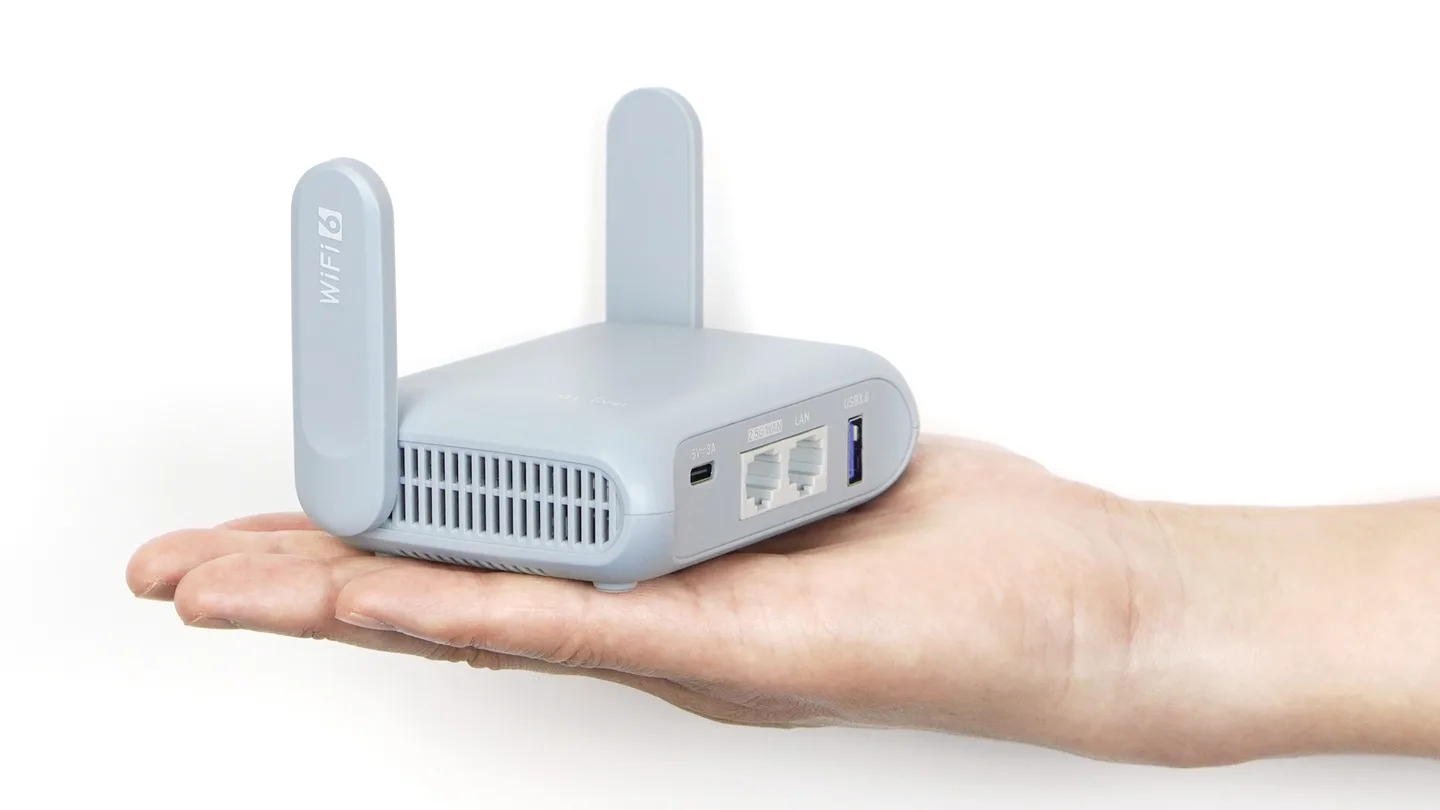
Your number connects through an internet address in its own country. By default that is a shared residential address. We recommend Self Proxy instead: a small program on a Windows or Mac computer, or a Spun Box router, that runs the connection through your own home or office internet, so the address WhatsApp sees is yours alone.
Why home internet: we have seen a number blocked within hours of its first link through a shared address, after three messages. With Self Proxy, WhatsApp on your phone shows no warning when you scan the QR code, while on other connections we have seen it warn that the connection may not be safe. The link also holds longer, with fewer requests to scan again: one number on Self Proxy went twelve weeks, from mid-August to early November 2026, without a new scan. WhatsApp does not publish how it weighs where a connection comes from, so these are signs, not a guarantee. Make the first connection from home or the office, not public Wi-Fi, a coworking network or a VPN.
What should I avoid when using Spun?
- Messaging people who never asked to hear from you, including bought or copied lists.
- Sending the same text to many people at once, especially from a new number.
- Writing again to anyone who asked you to stop. Spun puts people who reply STOP on a Do Not Send list, but a block or report without a reply still counts against you.
- Running other automation tools or modified WhatsApp apps on the same number.
Related: WhatsApp Help Center: How to use WhatsApp responsibly
What should I do if WhatsApp restricts or bans my account?
Stop campaigns and automations first. If WhatsApp shows a Request review button on your phone, tap it and explain briefly and honestly how you use the number. If there is no button, WhatsApp treats the ban as final.
Spun support can help with Spun's side: stopping automations and reconnecting once WhatsApp restores access. Spun never puts your number back on the address it used when the ban happened. Spun cannot lift a ban or speed up a review. WhatsApp alone decides whether to restore access.
Related: WhatsApp Help Center: About account bans · How to get WhatsApp unbanned