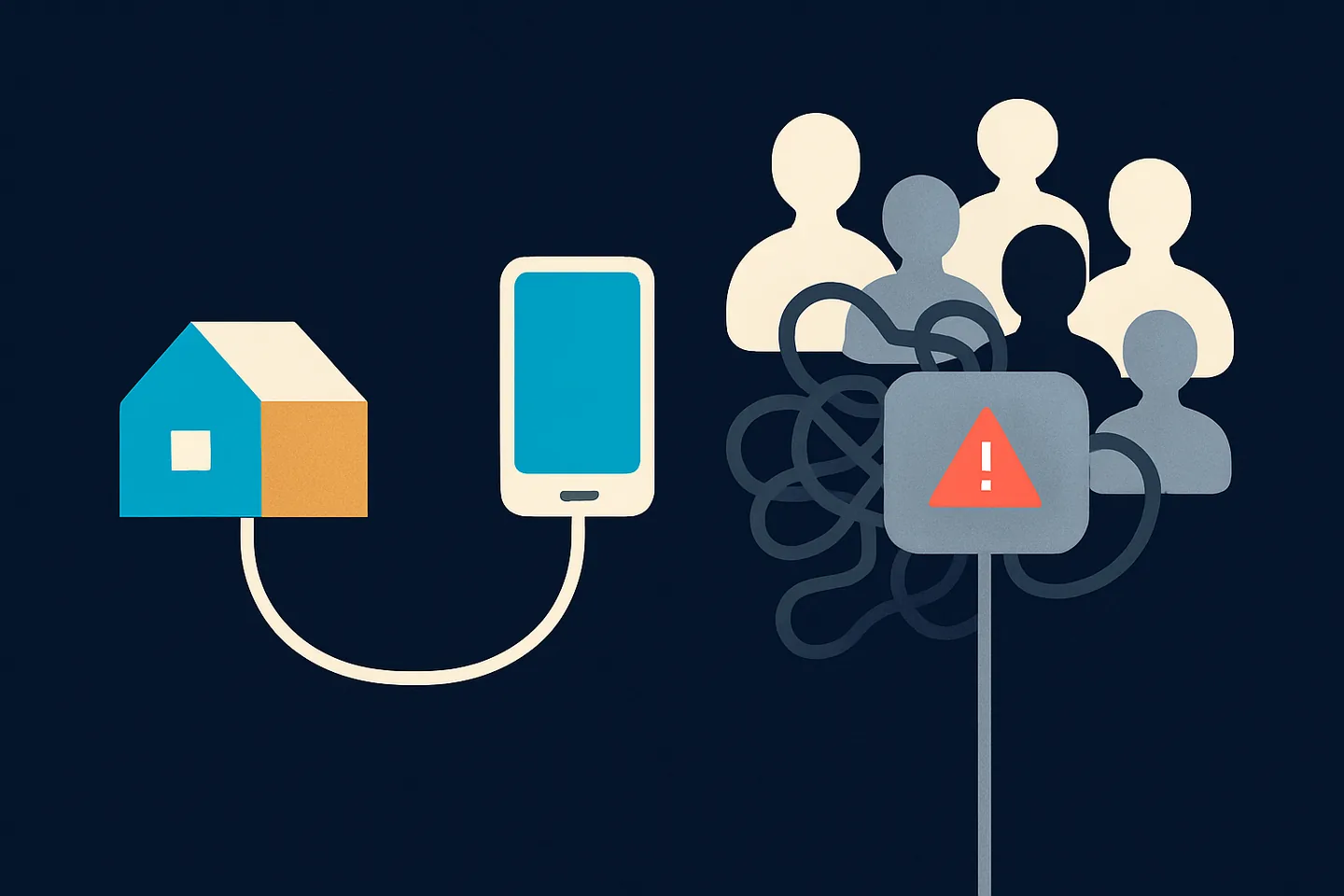
When Spun links to your WhatsApp number, that linked session has to reach WhatsApp from some internet address. Self Proxy puts that address under your control: your number connects from your own home or office line, with a history that nobody else wrote. The one thing Self Proxy asked of you was a computer that stays on, because the connection ran through it.
Spun Box removes that condition. It is a small travel router you buy from any electronics seller and set up with Spun's program. It sits next to your internet router, draws about as much power as a phone charger, and carries your WhatsApp connection day and night. This page explains what it is, what it changes compared with a computer, where it falls short, and how to set it up in a few minutes.
The one weak spot of Self Proxy on a computer
Self Proxy on a computer works well, and many businesses run on it. Its weakness is not the connection; it is the computer. A desktop goes to sleep because someone changed the power settings. A laptop leaves the office in a bag. Windows restarts for an update at three in the morning. Someone shuts the machine down on Friday evening without thinking about it.
Each of those moments takes your WhatsApp connection down with it, and it stays down until the computer is back. Spun warns you, and a second computer can stand by, but the honest answer to "what keeps my number connected" was "a computer, and whoever looks after it".
A box that does nothing else has none of those failure modes. It has no screen to close, no sleep setting, no user who needs it for something else, and no reason to be switched off. That is the whole idea.
What Spun Box is
Spun Box is a GL.iNet Beryl AX, model GL-MT3000, set up with Spun's program: a travel router about the size of a deck of cards, sold by ordinary electronics retailers for around $90. You buy it yourself, from any seller you like. Spun does not sell hardware, ship it or take it back; the name is what the router becomes once Spun runs on it.
The router keeps its own GL.iNet software. Spun adds one small program to it, the same Self Proxy program that runs on Windows and Mac computers today, built for the box. Once it is installed, the box checks in with Spun, opens a connection outward (nothing is opened on your network and no port is forwarded), and your WhatsApp session exits to WhatsApp from your internet line through it.
It connects to your internet either by the included network cable from the box to any free port on your existing router, which is the most reliable setup, or over Wi-Fi to your existing network when a cable is not practical.
Only the WhatsApp session itself travels through the box. Photos, videos, voice notes and documents move between Spun's WhatsApp gateway and WhatsApp directly, as they do with Self Proxy on a computer, so the box never carries your media and never slows your own internet use.
What Spun Box gives you
- Always on. The box has no sleep mode, no user and no reason to be switched off. Your connection runs at night, over weekends and through holidays without anyone thinking about it.
- No computer involved. The computer that used to carry the connection is free again. It can sleep, restart, travel or be replaced, and your WhatsApp does not notice.
- Your own address, yours alone. The box connects from your home or office line, so the history WhatsApp sees on that address is yours. No shared pool, no strangers, no rotation.
- Comes back by itself. After a power cut the box boots on its own, reconnects, and reports in. In our tests the connection was carried again without anyone touching it.
- Updates itself, safely. The program on the box checks for updates and installs them on its own. If an update fails to start, the box goes back to the previous version by itself and tells Spun.
- Tiny footprint. It draws about as much power as a phone charger, makes no noise, and takes the space of a paperback on a shelf.
- Backup both ways. A box can stand by behind your computer, or a computer can stand by behind the box. If the active one goes quiet, Spun switches to a standby in the same country, exactly as it does today.
- Portable to a trusted second location. A second box at a relative's house or a second office, with their permission, is a standby that does not share your power circuit or your internet line.
- Same security as a computer. The tunnel is opened outward from the box, your router password is sent only to your router over your local network and never to Spun, and WhatsApp's own encryption is untouched. The box adds no new way to read anything.
- A normal router whenever you want. Remove the box from your Spun account, or reset the router with its pin hole, and it is an ordinary GL.iNet router again.
Computer or Spun Box, side by side
Both give your number the same thing: an address that is yours. They differ in what keeps the connection up and what can take it down.
| Self Proxy on a computer | Self Proxy on Spun Box | |
|---|---|---|
| What carries the connection | A Windows or Mac computer that stays on | A small router next to your internet router |
| What can take it offline | Sleep, shutdown, restarts, a laptop leaving, someone needing the machine | A power cut or your internet line going down |
| Cost | A computer you already own | The router, around $90, bought once |
| Setup | Install a program, approve the prompt | Plug in the box, set it up once, add it to Spun in a few minutes |
| Power | A full computer running around the clock | About as much as a phone charger |
| Updates | The Spun program updates itself; the operating system has its own schedule | The Spun program updates itself and falls back to the previous version if an update fails |
| If it goes down | Your number waits, or a standby takes over | Your number waits, or a standby takes over |
| Best for | Trying Self Proxy, or an office with a machine that is on anyway | Any number a business depends on |
Same address guarantee, far fewer ways to lose it.
Two ways to set it up
Whichever way you choose, the router's own first-time setup comes first and takes about two minutes: plug the box into power and, if you can, by cable into your internet router. On your phone or computer, join the Wi-Fi network printed on the bottom of the box, open its page at 192.168.8.1, pick your language and set an admin password. Write that password down; you need it in the next step. If you did not connect a cable, choose Repeater on the same page and join your home Wi-Fi.
Then one Spun step, in whichever form suits you.
- 1
With a computer: the Spun Router Setup program
In Spun, open Settings, then WhatsApp, then Health, and find the Self Proxy card. In the Spun Box section, download the setup program for Windows or Mac. Connect your computer to the box's own Wi-Fi or plug it into the box's LAN port, open the program, and type the router admin password you just set. The program installs Spun on the box, waits for the box to check in, and shows Connected with your account and the box's name. Your computer can then be switched off; the box keeps working on its own.
- 2
Without a computer: a package uploaded in the router's pages
From the same place in Spun, download the router package. Stay on the box's Wi-Fi, open 192.168.8.1, log in with the admin password, open System, then Advanced Settings, and on the technical page open System, then Software, then Upload Package. Choose the file you downloaded and press Install. This works from a phone browser, with no program on any computer. Then go back to Spun: the box appears on your Self Proxy card once it has checked in.
- 3
Switch when you are ready
A new Spun Box never takes over on its own. It appears on your Self Proxy card, where a manager can run a connection test and see the country it connects from. When you are ready, choose "Make this my connection". WhatsApp pauses for a moment while the session moves, and may ask you to scan the QR code again. Your current connection keeps working until then, and your chats are untouched.
The setup program explains any problem in one plain sentence: wrong router password, router not found, no internet on the router, an expired download, or a box that belongs to another account. The package route shows the router's own install log instead, so the help page lists what a failed line means and what to do.
Make the first connection from the right line
The box moves the question of address history from a provider to you, which is the point. It also means the line you plug it into is the line WhatsApp will judge. For the first connection, use the cleanest internet line you have: your home line, or an office line that only your business uses.
Do not set the box up on public Wi-Fi, in a coworking space, behind a VPN, or on a line where other WhatsApp automation tools have run or where a number was already blocked. Those networks look, to WhatsApp, a lot like a shared proxy. Once the connection is established and running from a clean line, leave the box where it is.
Related: Shared proxy or Self Proxy: which connection should your number run on? · Can a shared Wi-Fi, VPN or datacenter connection get your WhatsApp banned?
The honest limits
- You buy the box. Around $90 once, from any retailer. Spun ships nothing and has nothing to return.
- It needs power and internet at the address where it sits. If your line goes down or the power goes out, your number waits until the box is back, or a standby takes over.
- It is not a country picker. The box connects from wherever it physically is. A box in another country will not take over automatically, because a session that jumps countries is exactly the pattern WhatsApp distrusts.
- It is not a promise about bans. WhatsApp bans numbers for what they send, and a clean address does not excuse spam. The box removes the part of the risk that comes from an address you do not own, nothing more.
- Two boxes on one line share one address. They are a backup for each other, not a second address.
- Setup times above are what we measured in our own tests and are targets, not promises. A first-time router setup can take a few minutes longer if your Wi-Fi is slow to join.
Later: moving, updating, selling the router
- 1
You moved house or changed your Wi-Fi
Change it on the router's own page at 192.168.8.1, under Internet, then Repeater, and pick the new network. Spun needs nothing from you; the box reports in from the new line.
- 2
The router asks to update its own software
Allowed. Update it from the router's page with "Keep settings" on. If the box stops showing Connected in Spun afterwards, run the setup program once more or upload a fresh package; either one repairs the install without creating a second connection.
- 3
You want to move the box to a different Spun account
Sign in to the new account and run the setup program, which tells you the box belongs to another account and asks you to confirm the move, or download the Move package from the Self Proxy card and upload it like the normal one. The move stops the old connection, removes the old account's access from the box, and only then connects the new one. An ordinary package never takes over a box that belongs to someone else.
- 4
You pressed the reset button by mistake
Run the setup program or upload a fresh package. Spun recognises the box and puts it back under your account as the same box.
- 5
You want your router back
Remove the box from your Self Proxy card in Spun, or reset the router with the pin hole. It is a normal GL.iNet router again.