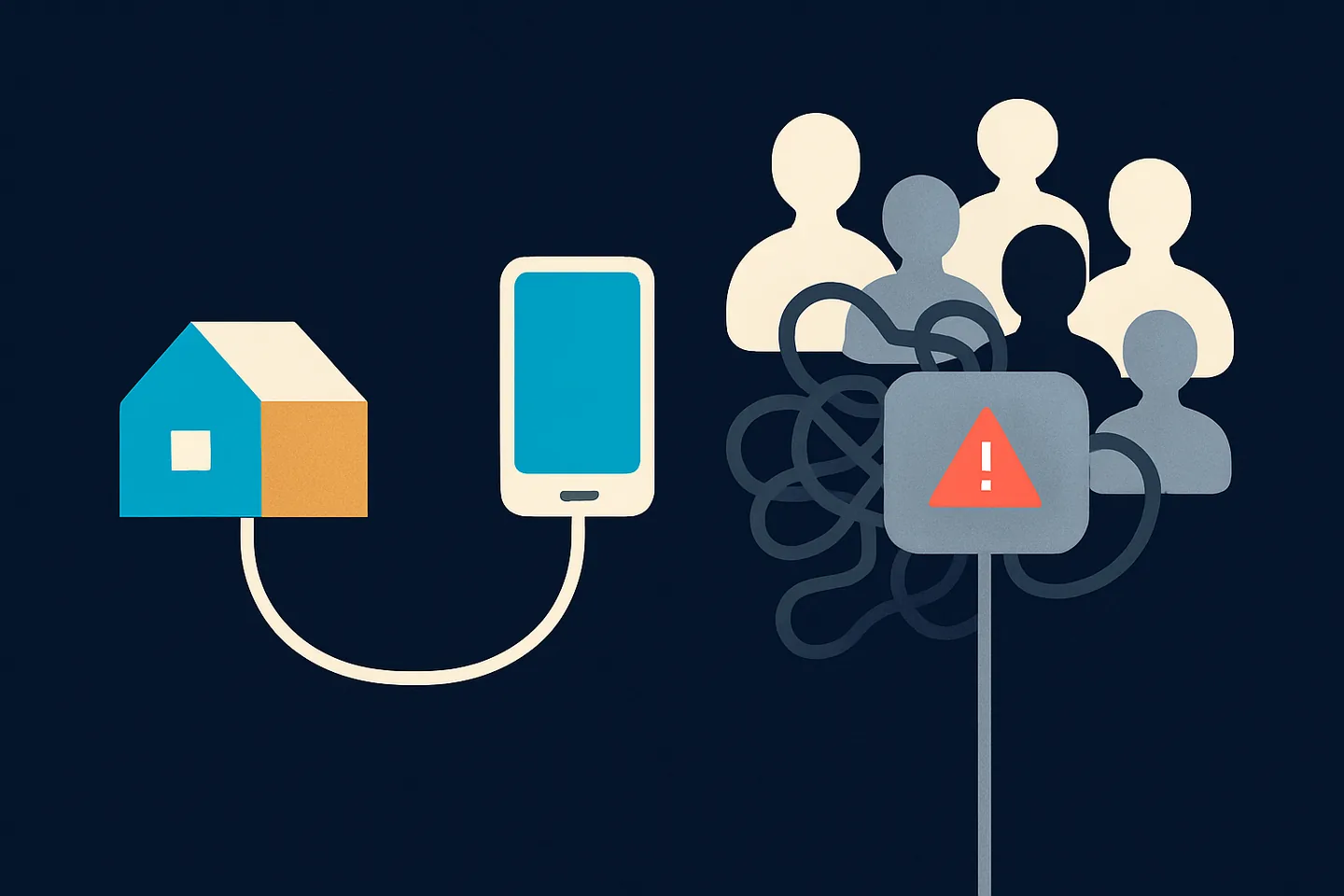
When you connect your WhatsApp to a tool like Spun, the tool links to your number the same way WhatsApp Web does. WhatsApp then sees a new linked device, and the first thing it looks at is where that device connects from. That address is the part most people never think about, and it is the part this page is about.
Spun gives you two ways to answer that question. The default is a shared connection: a residential internet address in your country that Spun rents from a provider, and that other businesses use too. The alternative is Self Proxy: a small program on your own computer, so your number connects from your own home or office line. This page explains the difference, the risk that comes with sharing, and how to move.
What WhatsApp sees when a tool links to your number
A linked device is a session. Every session comes from an internet address, and WhatsApp keeps a view of that address over time: how many accounts have appeared on it, how they behaved, whether any of them were reported or banned. Your own sending matters, but so does the company your address keeps.
On your phone, the address is your mobile carrier or your home Wi-Fi, with a history that is mostly yours. On a shared proxy, the address belongs to a provider, and the history belongs to whoever used it before you. You cannot see that history, the provider cannot see it either, and WhatsApp does not publish it. That is the whole problem in one sentence.
Self Proxy: your number on your own line
Self Proxy is a small program you install on a Windows computer at your home or office (a Mac package is available as a beta). Once it runs, Spun routes your WhatsApp session through that computer, so your number connects from the same internet line your own phone and laptop use. The address is yours, its history is yours, and it stays where it is for as long as the computer stays on.
That is the property WhatsApp's own apps enjoy by default and the one a shared pool can never give you: one address, one owner, a history you control. It also removes the movement problem, because there is no pool to rotate through.
Self Proxy is not a guarantee. WhatsApp bans numbers for what they send, and a clean address does not excuse spam. What it removes is the part of the risk you cannot see or influence.
Shared proxy and Self Proxy side by side
The honest comparison, without hiding the cost of either option.
| Shared proxy | Self Proxy | |
|---|---|---|
| Whose address | A provider's, rented, in your country | Yours, at your home or office |
| Address history | Other users', invisible to everyone | Yours only |
| Does the address move | Can be replaced from the pool | Stays put while the computer is on |
| Setup | None | Install a small program on a computer that stays on |
| What keeps it running | The provider | Your computer and your internet line |
| If it goes down | Spun recovers it for you | Your number waits until the computer is back |
| Ban risk from the address | Unknown, and it adds up over time | Under your control |
| Best for | The first days, trying things out | Any number a business depends on |
Self Proxy trades a one-time install and a computer that stays on for an address whose history you own.
The one way to get Self Proxy wrong: a network with a bad reputation
Self Proxy only moves the question from the provider's address to yours. If your own network has a bad history, you have moved to an address with a known problem instead of an unknown one.
The first connection matters most. Make it from the best and cleanest internet line you have, and not from public Wi-Fi, a coworking space, a VPN, or any network where other WhatsApp automation tools have run, where several unrelated businesses share one line, or where a number was already blocked. Those networks look, to WhatsApp, a lot like a shared proxy.
Once the connection is established, WhatsApp tolerates public Wi-Fi in our experience: a laptop that later joins a hotel network does not undo a clean start. It is still better to keep the computer where it began, on the internet line at your home, or an office line that only your business uses and whose history you know. A computer that stays on, plugged into that line, is all Self Proxy needs.
If your number does get blocked
A block on a linked number is handled inside WhatsApp, not inside the tool. On the phone, WhatsApp shows "This phone number can't use WhatsApp" with a Request review button. Tap it, write a short factual note about how you use the number, and wait for the in-app notification. The Help Center says most reviews are completed within 24 hours. If the button is missing, WhatsApp treats the ban as final.
Once the review lifts the block, do not reconnect through the same route. In Spun, the reconnect screen walks you through it: log out the old linked device on your phone, install Self Proxy on your computer, and scan a fresh QR code. The old shared address is never reused for your number.
Related: How to unban a WhatsApp number · WhatsApp banned your number: causes, screens and fixes
How to switch to Self Proxy in Spun
Switching takes a few minutes and does not touch your chats. Your current connection keeps working until the new one is ready.
- 1
Download Spun for your computer
In Spun, open Settings, then WhatsApp, then Connection, and download the installer for Windows (Mac in beta). If you received the email with your personal install link, that link does the same without signing in.
- 2
Install it on a computer that stays on
Run the installer, accept the administrator prompt, and wait for the card in Spun to show the computer as connected. For this first connection, use the best and cleanest line you have: your home line, or an office line only your business uses, not public Wi-Fi or a VPN.
- 3
Make it your connection
Back in Settings, then WhatsApp, then Connection, choose "Make this my connection". WhatsApp pauses for a moment while the session moves, and may ask you to scan the QR code again. After that, your number runs from your own line.
A second computer can be added later as a standby. If the active one goes quiet, Spun switches to a standby in the same country or waits and tells you. It never moves your number to an address you do not own.